
Inputs
UsuallyOne tool per spec format, often OpenAPI 3 only
With SpecemitSwagger 2.0, OpenAPI 3.0 and 3.1, and Postman v2.x, from a file, a URL or stdin
Specemit is a command-line tool. It reads an OpenAPI, Swagger or Postman file and writes a TypeScript SDK, Blume docs, a Scalar reference, a Postman collection and an MCP server to one folder in your repository, on your machine or in CI.
npx specemit[01 / 05 / Outputs]
Each target writes its own folder inside the output folder (./specemit by default) and records its files in the manifest. Run one, or several at once with generate.
01sdk/
A typed client for every operation, with request and response models and its own package.json.
npx specemit sdk ./openapi.yaml02docs/
Markdown and MDX pages for Blume: an overview, SDK setup, and a page per tag and operation with parameters, examples and the SDK call.
npx specemit docs ./openapi.yaml03scalar/
An interactive API reference that works offline: static viewer files, the pinned Scalar bundle and your normalized openapi.json.
npx specemit scalar ./openapi.yaml04postman/
A Postman v2.1 collection with requests grouped by tag or path and examples taken from your spec.
npx specemit postman ./openapi.yaml05mcp/
A standalone MCP server project with one tool per selected operation, over stdio or Streamable HTTP.
npx specemit mcp ./openapi.yaml[02 / 05 / Workflow]
The output is a plain folder in your repository. Review it in a pull request like any other change, and regenerate when the spec changes.
Point Specemit at a file, a URL or stdin. It validates the spec once and writes every target you choose in one step.
npx specemit generate ./openapi.yaml -t sdk -t docs -t scalar -t postman -t mcpOpen one local site with Docs, API Reference, SDK, Scalar, MCP and Postman views. It only reads the output folder.
npx specemit previewCommit the folder and version it like the rest of your code. The manifest lists every file and hash, so the same spec regenerates the same bytes.
[03 / 05 / Preview]
One local, view-only site for the output folder. These are its six views for the Swagger Petstore example.
npx specemit preview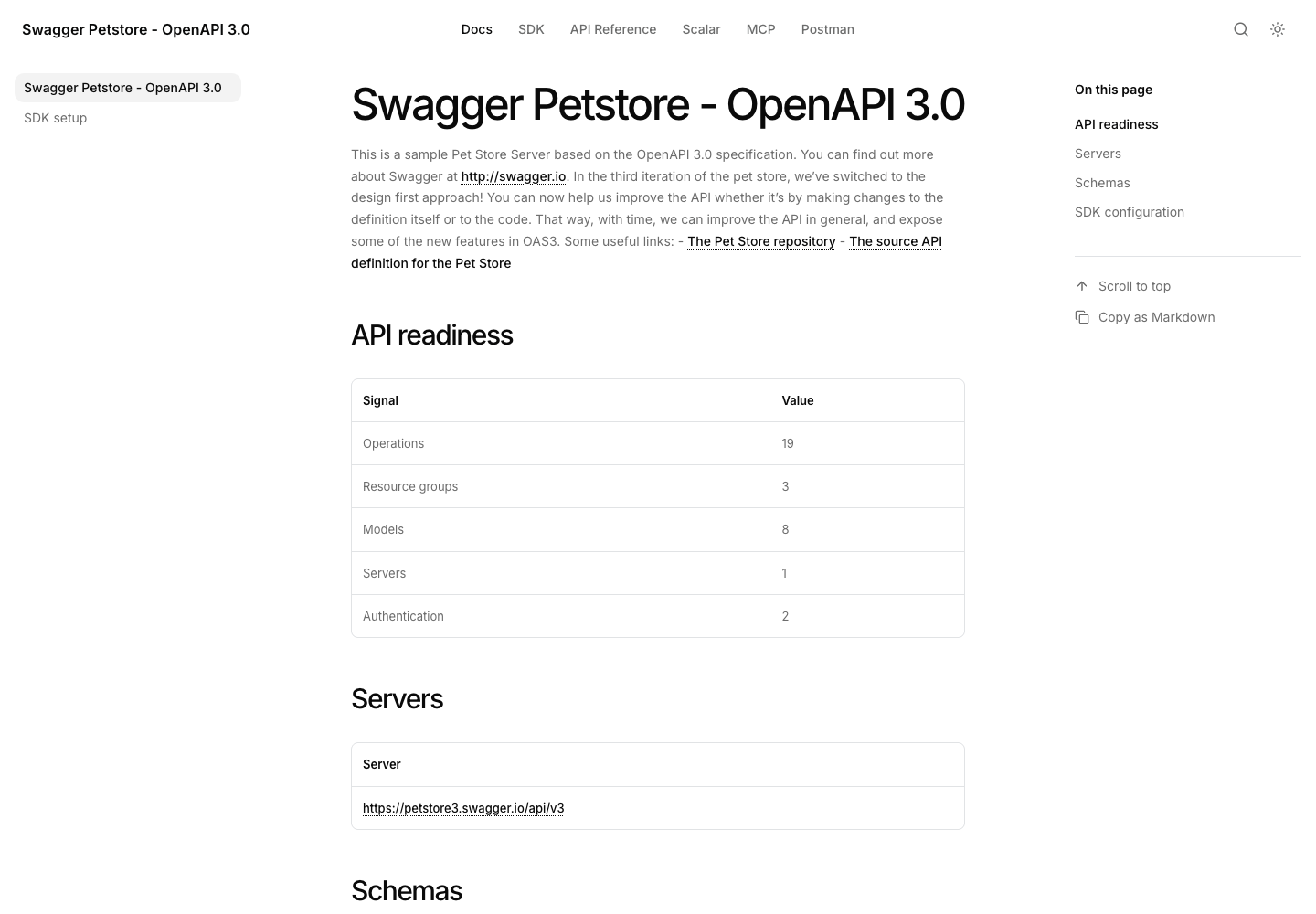
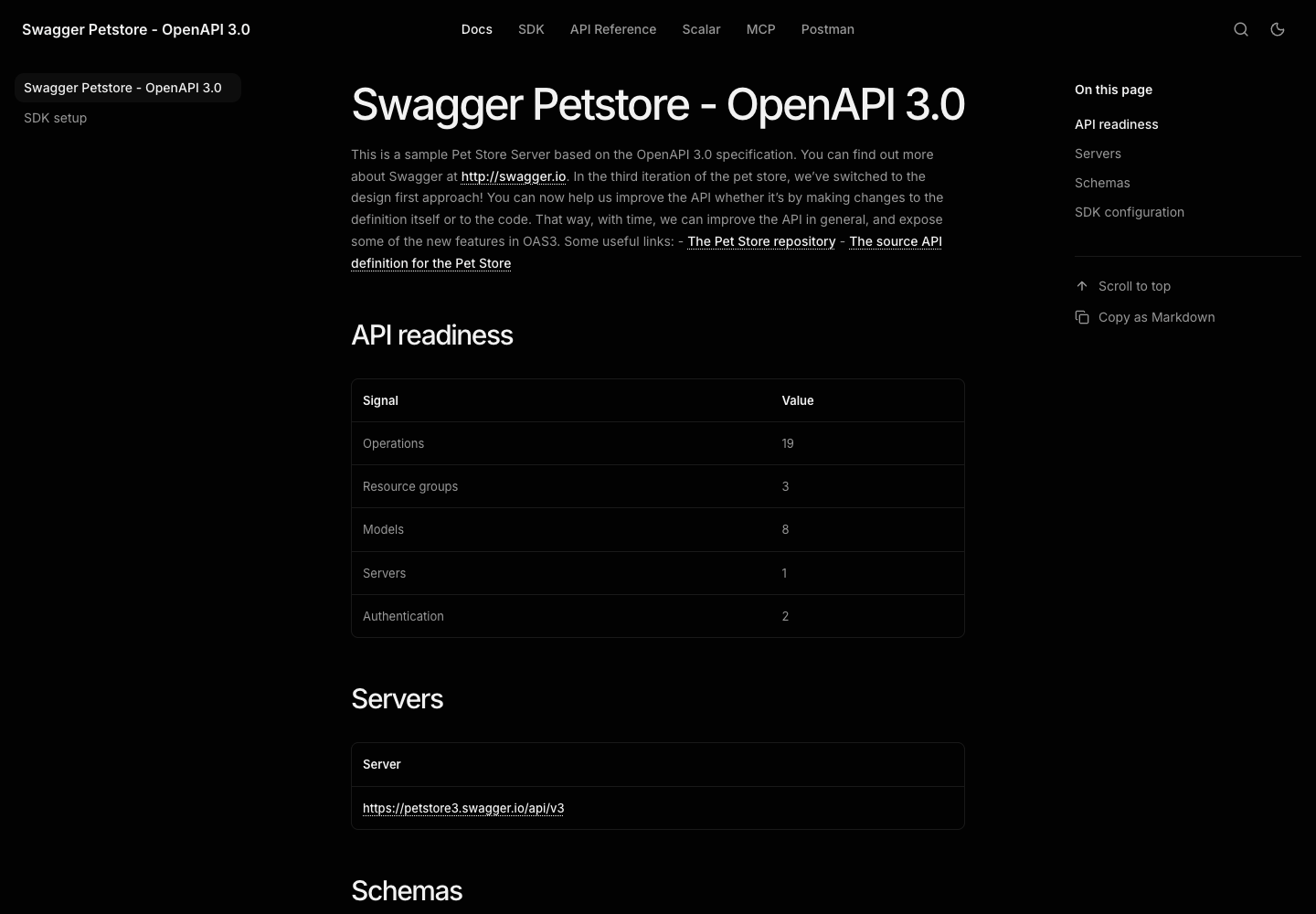
localhost:4400/[04 / 05 / Comparison]
Specemit replaces a handful of single-purpose generators with one CLI whose output you can review, version and regenerate.
| Feature | Usually | With Specemit |
|---|---|---|
| Inputs | One tool per spec format, often OpenAPI 3 only | Swagger 2.0, OpenAPI 3.0 and 3.1, and Postman v2.x, from a file, a URL or stdin |
| Outputs | A separate generator for the SDK, the docs, the reference and the collection | SDK, docs, Scalar, Postman and MCP from one validated document, in one run |
| Ownership | Generated files with no record of where they came from | One folder you commit, with a manifest of the source hash, API version, CLI version and every file |
| Re-runs | Regenerate everything and diff by hand | Identical bytes for the same spec; only files Specemit wrote are replaced, and stray files stop the run |
| Automation | Interactive tools that need a person at the keyboard | A config file for unattended runs, JSON output on request and documented exit codes |
| MCP | Write an MCP server by hand after the SDK exists | A standalone MCP server project, or serve the same tools locally to try them first |
[05 / 05 / FAQ]